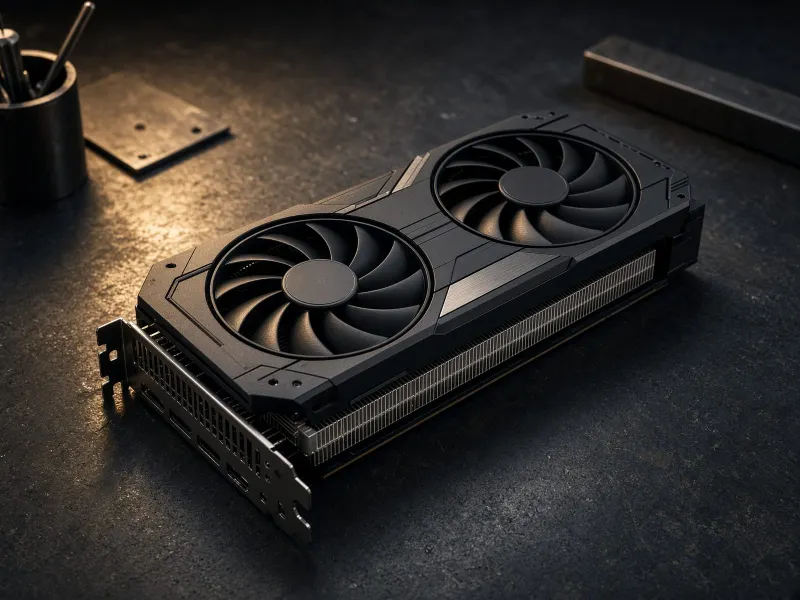
Quick verdict
The RTX 3090 is no longer new, quiet, or elegant. But for home-lab AI, its 24GB of VRAM still makes it unusually useful. If your goal is to run ComfyUI workflows, test local language models, and learn the real limits of consumer AI hardware, it remains one of the most compelling used buys.
You want SDXL-style workflows, upscaling, LoRAs, and room to experiment without hitting 12GB limits constantly.
The value case depends on used pricing. If the card costs too close to newer 24GB options, the risk stops making sense.
Budget for a quality power supply, roomy case, and cooling. The GPU is only a deal if the whole build is stable.
What I would buy
A clean used RTX 3090 from a seller with return protection, paired with a roomy airflow case, quality PSU, and enough NVMe storage for model files.
Build target
| Component | Configuration | Why it matters |
|---|---|---|
| GPU | RTX 3090, 24GB VRAM | Enough room for serious image workflows and useful local models. |
| Memory | 64GB+ system RAM recommended | Prevents the rest of the system from becoming the bottleneck. |
| Storage | 2TB NVMe minimum | Model folders grow quickly once you test checkpoints, GGUF files, and LoRAs. |
Used RTX 3090 buying checklist
- Confirm the exact model, warranty status, photos, and return window before comparing price.
- Ask whether it was mined on, repadded, repaired, or run in a cramped case.
- Plan for a quality PSU, separate PCIe power cables, and airflow before the card arrives.
- Do a stress test, VRAM-heavy ComfyUI run, and temperature check while returns are still possible.
Reasons to buy
- 24GB VRAM is still the key advantage.
- Excellent fit for ComfyUI and SDXL-class workflows.
- Strong used-market value when priced correctly.
- More practical than many lower-VRAM newer cards.
Reasons to skip
- Used cards can be abused or poorly maintained.
- Power, heat, and noise are real concerns.
- Not ideal for quiet desk setups.
- Beginners may prefer a Mac Mini or cloud tools first.
RTX 3090 local AI FAQ
Is a used RTX 3090 worth it for local AI?
Yes, when the price is disciplined and the card is in good condition. The main reason is 24GB of VRAM, which is useful for ComfyUI, image workflows, and larger local model experiments.
What should I check before buying a used RTX 3090?
Check the exact model, seller return window, photos, warranty status, previous mining or repair history, thermal condition, power connector condition, and whether your case, PSU, and airflow can support the card.
Is the RTX 3090 better than a Mac Mini for local AI?
An RTX 3090 build is better for ComfyUI, 24GB VRAM experiments, and GPU-heavy local AI. A Mac Mini is better for quiet text workflows, file automation, dashboards, and always-on local utility work.
What parts should I budget for with an RTX 3090 AI build?
Budget for a quality PSU, roomy airflow case, separate PCIe power cables, 64GB or more system RAM, fast NVMe storage, and cooling headroom. The GPU only makes sense if the whole system is stable.
Final advice
Buy the RTX 3090 if you want to learn serious local AI by running real workflows yourself. Skip it if you mostly want convenience. The best TokenByte recommendation is not the most powerful setup; it is the setup you will actually run every week.