A Linux desktop worth getting to know
Omarchy for Mac and Windows users: the workflow, local models, updates, and shared files.
Read the Omarchy guide →Explore local AI, Apple Silicon, GPU workstations, Linux, and the small infrastructure decisions that make your setup work.
Each page should help a reader choose a setup, avoid a bad purchase, or make their local AI lab more useful.
Omarchy for Mac and Windows users: the workflow, local models, updates, and shared files.
Read the Omarchy guide →Answer four questions and get routed to the right Mac Mini, RTX 3090, hybrid, or cloud-first path.
A 30-day plan for choosing your first useful local AI setup, proving a workflow, and buying for the real bottleneck.
Compare Mac Mini, RTX 3090, and cloud AI before buying your first serious setup.
Evaluate 24GB VRAM, local models, sustained thermals, power, acoustics, and used-market risk.
Build a quiet local AI workstation for models, notes, transcripts, and automations.
Choose between a friendly desktop app and an automation-friendly local model runner before building workflows.
A transparent queue for planned hardware tests, required screenshots, settings, evidence files, and verdict gates.
Start with a folder watcher and local model workflow instead of overbuilding an agent.
GPU, Mac Mini, SSD, RAM, cooling, power, dock, and UPS buying categories.
The evidence standard behind reviews, buying guides, affiliate links, and future benchmarks.
The editorial identity: practical home-lab AI, real setups, and proof before hype.
Recent guides on the small decisions that make a local AI setup more useful.
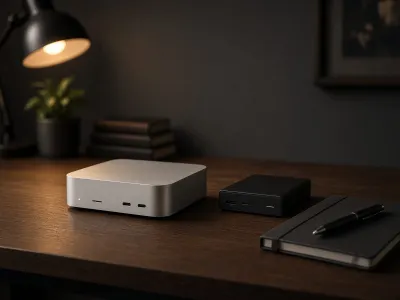
The newest chip is not always the most capable configuration. Compare the new Macs around memory, real workloads, and what Apple has actually announced.
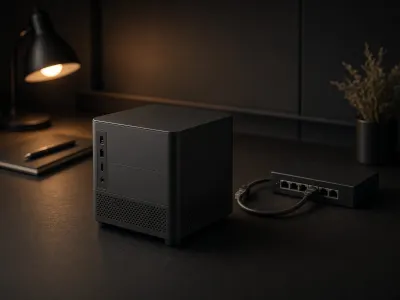
A coherent Linux desktop is a good starting point. Here is what to check before making Omarchy your everyday local AI workstation.

A practical local AI agent sandbox plan for browser profiles, file mounts, Mac accounts, Docker permissions, network access, logs, and buying the right control box
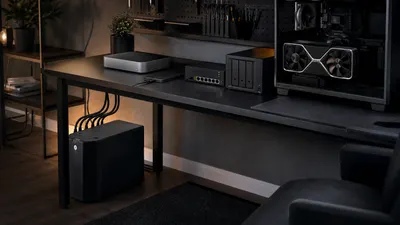
Buy a UPS for controlled shutdown, not for finishing a long AI run during an outage.

A practical buying plan for local AI video generation, covering Wan2.2, ComfyUI, VRAM, offloading, storage, queues, and when RTX hardware is actually justified

Choose Mac mini or Mac Studio for local AI by starting with the model, memory headroom, storage plan, and whether an RTX box would fit the workload better.