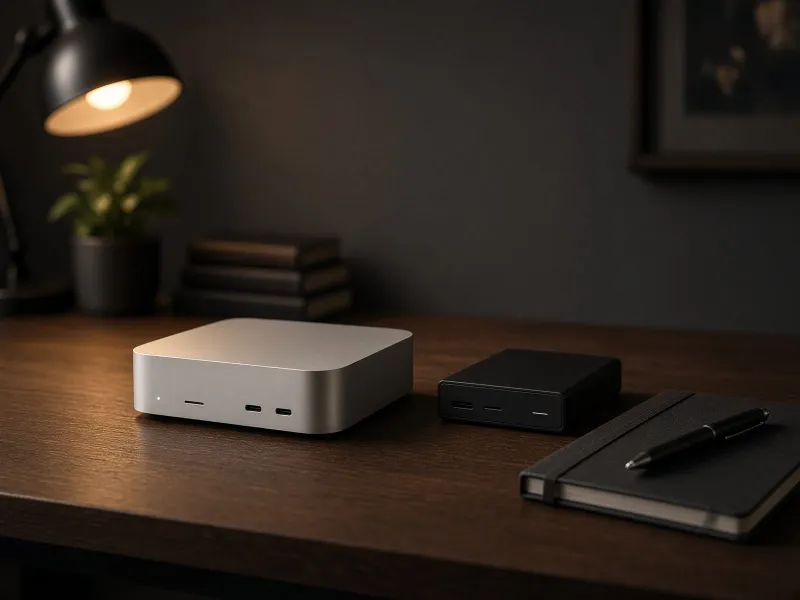
New desktop range: Read our M6 Mac mini and M5 Mac Studio comparison for the September 2026 buying decision.
Quick verdict
The Mac Mini is the local AI machine for people who value quiet, reliable daily use. It is great for local LLM testing, document cleanup, transcript processing, lightweight agents, and automations that run in the background.
Use it for local text models, notes, file workflows, dashboards, and scheduled jobs.
Buy enough unified memory for the model size you expect, then add fast external storage for model files.
If image generation speed is the reason you are buying, a GPU tower is the better primary machine.
Best use cases
- Summarizing notes and transcripts locally.
- Running Ollama or LM Studio with smaller models.
- Hosting a lightweight dashboard or automation service.
- Processing folders of documents without sending them to cloud tools.
Ollama or LM Studio?
Start with the app that matches your workflow: a friendly desktop interface for testing, or a local server that automation scripts can call.
What to buy with it
| Item | Why it matters | Priority |
|---|---|---|
| 2TB+ external SSD | Model files, outputs, and datasets expand quickly. | High |
| Thunderbolt dock | Keeps storage, monitor, and peripherals tidy. | Medium |
| UPS | Useful if the Mac Mini runs automations or services. | Medium |
Mac Mini buying checklist
- Choose memory before storage if local models are the priority, because memory is not upgradeable later.
- Plan a dedicated model drive instead of filling the internal disk with checkpoints and outputs.
- Add a UPS only if the machine will run background automations or local services.
- Keep a cloud AI fallback for frontier-quality reasoning and long-context work.
Best Mac Mini role
Use it as the quiet command center: local text models, automations, file processing, and dashboards.
Mac Mini local AI FAQ
Is a Mac Mini good for local AI?
Yes, if the job is quiet local text models, note cleanup, transcript summaries, folder automation, dashboards, and always-on services. It is not the best first choice when fast ComfyUI image generation is the main goal.
How much memory should a Mac Mini have for local AI?
Choose memory before storage because unified memory cannot be upgraded later. Buy enough memory for the model size and multitasking you expect, then use external SSD storage for model files and outputs.
Can a Mac Mini run Ollama and LM Studio?
Yes. A Mac Mini can run Ollama and LM Studio for local model testing and daily workflows, as long as the model fits the available memory and the workload does not require a dedicated NVIDIA GPU.
Should I buy a Mac Mini or GPU PC for local AI?
Buy a Mac Mini first if you want a quiet always-on machine for text models, automation, and file workflows. Choose a GPU PC if ComfyUI, image generation speed, or VRAM-heavy experiments are the main reason you are spending money.
Final advice
Buy a Mac Mini if you want local AI to become routine. Choose a GPU build if your main goal is image generation speed or large VRAM experiments.