Quick verdict
If you are brand new to local LLMs and want to chat with models, browse downloads, and avoid the terminal, start with LM Studio. It is built around a desktop app, model discovery, chat, document workflows, and a local server option.
If you want local AI to become part of scripts, folder watchers, coding tools, dashboards, or repeatable automations, start with Ollama. Its terminal-first flow and local API make it easier to treat a model like home-lab infrastructure.
You want simple commands, a local API, and a model runner that fits scripts and background workflows.
You want a desktop app, model search, chat, local document workflows, and fewer terminal steps.
Run LM Studio for exploration and Ollama for repeatable jobs once you know which model and prompt work.
Ollama vs LM Studio comparison
| Decision | Ollama | LM Studio | TokenByte pick |
|---|---|---|---|
| Beginner chat | Usable, but command-oriented. | Desktop-first chat workflow. | LM Studio |
| Automation | Local API at `localhost:11434/api` and simple terminal commands. | Local REST/OpenAI-like server, plus GUI controls. | Ollama for scripts; LM Studio for mixed desktop/server use. |
| Offline use | Local model runner once models are downloaded. | Official docs describe offline chat, document chat, and local server use after models are downloaded. | Tie |
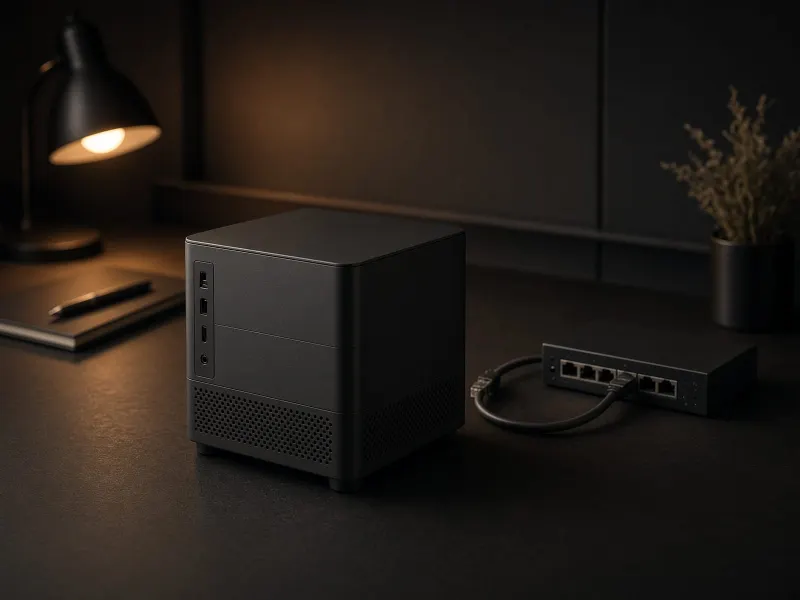
| Mac Mini fit | Good for always-on local text workflows and automations. | Good for testing models and chatting without building a workflow first. | Use both if storage allows. |
| Developer workflow | Strong CLI/API pattern and official Python/JavaScript libraries. | REST API, OpenAI-compatible endpoints, SDKs, CLI, and MCP support. | Depends on the stack. |
| Document chat | Usually handled through integrations or separate tools. | Built-in document chat/RAG workflow in the app. | LM Studio |
Best setup paths
Quiet Mac Mini local AI path
Use LM Studio to compare models visually, then use Ollama for the repeatable workflow: transcript cleanup, note summaries, file watchers, or local dashboards.
Automation-first path
Pick one small local model, write one prompt that works, then run it from a folder workflow before buying more hardware.
Before you choose
- Check whether you prefer a GUI or terminal workflow.
- Confirm your machine has enough memory for the model size you want.
- Use a dedicated SSD if you plan to try several models.
- Benchmark one real task instead of comparing random demos.
Ollama vs LM Studio FAQ
Should beginners start with Ollama or LM Studio?
Most beginners should start with LM Studio if they want a friendly desktop chat and model-browsing workflow. Start with Ollama if the goal is terminal commands, local APIs, scripts, or repeatable automation.
Can I use Ollama and LM Studio on the same machine?
Yes. A practical setup is to use LM Studio to explore models and compare outputs, then use Ollama for repeatable local workflows once you know the model and prompt you want to run.
Do Ollama and LM Studio work offline?
Both can run local models after the required models are downloaded. Offline usefulness still depends on having the model files, enough memory, and the workflow set up before losing internet access.
Which app fits a Mac Mini local AI setup better?
LM Studio is easier for desktop testing and chat on a Mac Mini. Ollama is better when the Mac Mini acts as an always-on local AI utility box for scripts, folder workflows, dashboards, and background automation.
Source notes
This guide uses official documentation for product facts. Ollama documents macOS, Windows, and Linux availability, its quickstart, API usage, default local API URL, and GPU support. LM Studio documents macOS, Windows, and Linux availability, desktop model workflows, local/OpenAI-like server use, system requirements, offline operation, and document chat.
- Ollama quickstart
- Ollama API introduction
- Ollama hardware support
- LM Studio docs
- LM Studio system requirements
- LM Studio offline operation
Final advice
For most TokenByte readers, the best answer is not either/or. Use LM Studio to learn and compare models. Use Ollama when the model becomes part of a repeatable local workflow. The winning setup is the one you actually run every week.