THE DESKTOP QUESTION / SEPTEMBER 2026
New Macs.
Local AI.
What is worth buying?
M6 Mac mini, M5 Pro, and the new Mac Studios: the memory limits, the meaningful tradeoffs, and what to verify before you order.
Memory before model numbers.
Evidence before the upgrade.
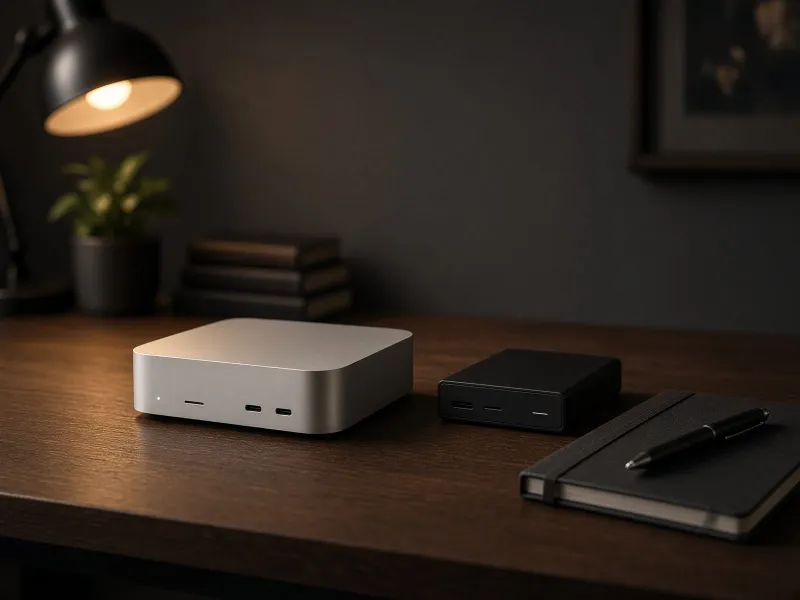
01 / The field guide
Less guesswork.
More useful answers.
Start with a decision, not a spec sheet. These are the guides to read before your next purchase.
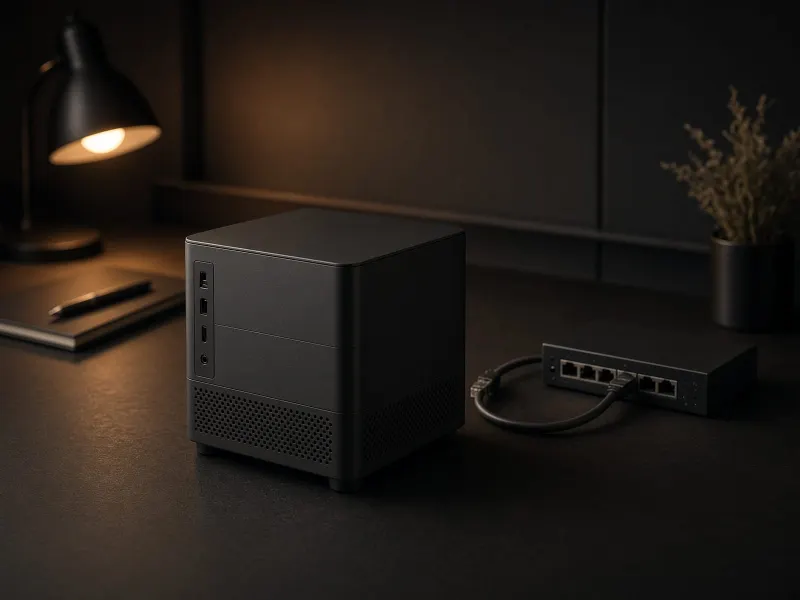
02 / Before you buy
Will the model
actually fit?
Model weights are only the start. Leave room for context, runtime overhead, and everything else your machine is doing.
Estimate your memory budget ↗A planning estimate with visible assumptions.
No made-up tokens-per-second promises.
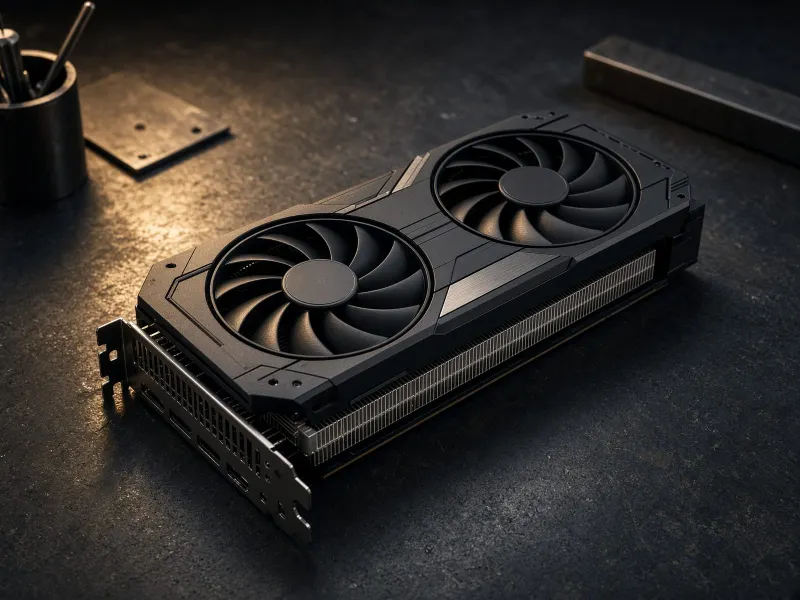
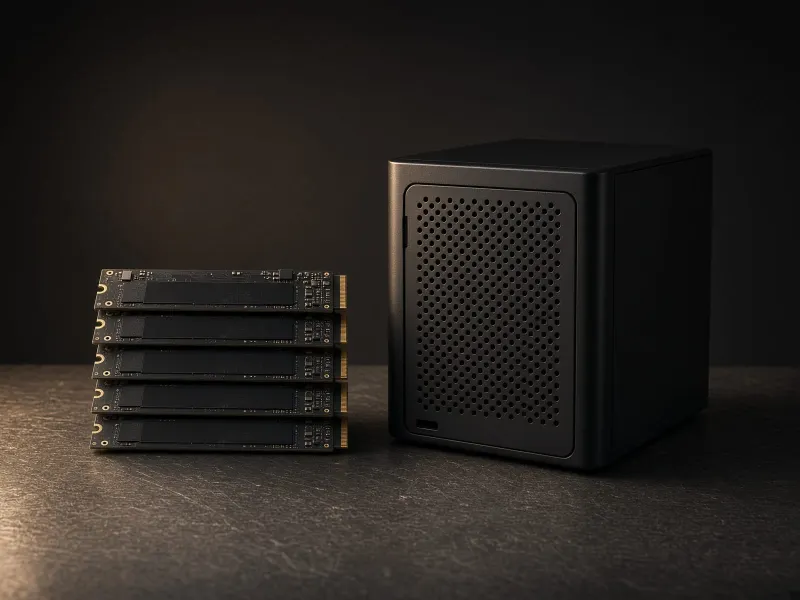
03 / Know your hardware
Four ways into the details.
A NOTE ON OUR WORK
A good guide should help you
decide against a purchase, too.
Specifications, calculations, and hands-on measurements are different kinds of evidence. We label them accordingly. An editorial illustration is never proof that we tested a product.