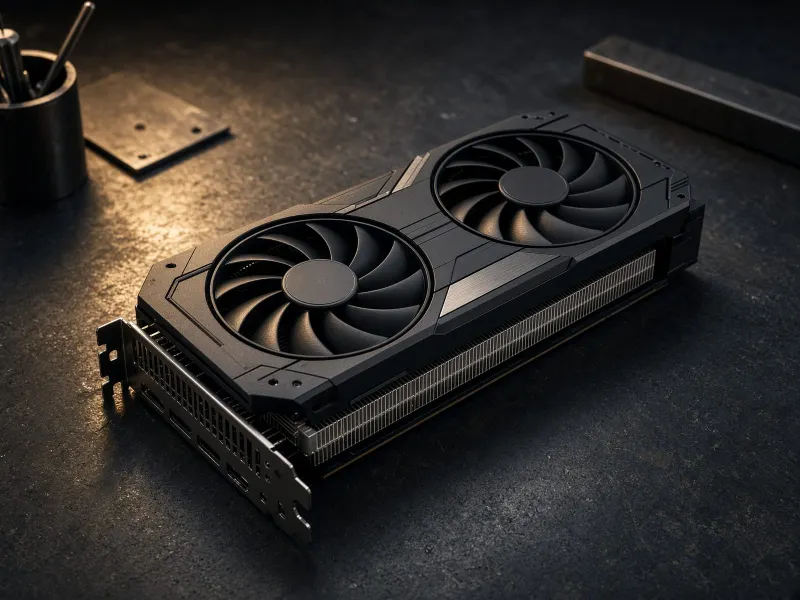
Quick verdict
The RTX 4090 is the premium consumer GPU choice for a serious local AI workstation. NVIDIA lists it with 24GB GDDR6X memory, 16,384 CUDA cores, Ada Lovelace architecture, and fourth-generation Tensor Cores. In practical home-lab terms, that means it is excellent when the workflow already fits in 24GB and you want the result faster.
The important caveat is memory. A 4090 is dramatically faster than many older cards, but it does not give you more VRAM than a 3090. For ComfyUI, that makes the buying question sharper: are you paying for speed, efficiency, and a newer card, or do you mainly need the cheapest 24GB VRAM box?
Great for image generation, iteration, upscaling, and workflows where waiting kills momentum.
It has 24GB. That is strong, but not a magic answer for every large model or video workflow.
You want a fast, modern, stable workstation and are willing to pay more than used 3090 money.
Where the RTX 4090 fits best
- ComfyUI users who run enough generations that speed has real value.
- Creators who want local image workflows, previews, upscales, and experiments to feel responsive.
- Builders who want a newer premium card instead of taking used-market risk.
- Hybrid AI labs where the workstation handles local runs while cloud tools cover frontier models.
RTX 4090 vs RTX 3090 for local AI
| Decision | RTX 4090 | RTX 3090 | TokenByte take |
|---|---|---|---|
| VRAM | 24GB | 24GB | Tie on capacity, which matters a lot for workflow fit. |
| Speed | Clearly stronger | Still useful | 4090 wins when iteration time matters. |
| Value | Premium | Often cheaper used | 3090 can win if budget is tight and the card is clean. |
| Risk | Lower if bought new | Used condition matters | 4090 is simpler if warranty and predictability matter. |
Short version
Buy the RTX 4090 when speed is worth paying for. Compare it against used 24GB value cards and the RTX 5090 before deciding how much premium hardware makes sense.
Build notes before buying
- Plan the whole machine: PSU quality, case clearance, airflow, storage, and RAM matter.
- Use fast NVMe storage because model checkpoints, LoRAs, outputs, and datasets pile up quickly.
- Do not starve the card with a cramped case or messy cabling.
- Keep a cloud fallback for models or workflows that outgrow 24GB VRAM.
RTX 4090 buying checklist
- Confirm the exact model dimensions before picking a case.
- Choose a reputable seller and keep warranty/return protection visible.
- Budget for a high-quality PSU and clean power cabling.
- Compare total build cost against a used 3090 build, a GB10-class AI PC, and cloud usage.
RTX 4090 local AI FAQ
Is the RTX 4090 good for local AI?
Yes. The RTX 4090 is one of the strongest consumer GPUs for local AI because it combines very high compute performance with 24GB of VRAM. It is especially strong for ComfyUI and image workflows where speed matters.
Is the RTX 4090 better than the RTX 3090 for local AI?
The RTX 4090 is faster and more efficient, but both cards have 24GB of VRAM. If the workload fits in 24GB and cost matters, a well-priced RTX 3090 can still be the better value. If time, power efficiency, and premium performance matter, the RTX 4090 is the better card.
How much VRAM does the RTX 4090 have?
The GeForce RTX 4090 has 24GB of GDDR6X memory. That is strong for many local AI workflows, but it is still not unlimited for very large models, video workflows, or complex image pipelines.
What should I budget for with an RTX 4090 AI build?
Budget for a quality power supply, excellent airflow, a case with enough clearance, fast NVMe storage, 64GB or more system RAM, and careful cable management. A premium GPU only pays off when the rest of the workstation is stable.
Final advice
The RTX 4090 is the local AI card to buy when fast 24GB runs matter more than used-card value. It is not the automatic value king because it still has 24GB VRAM. TokenByte should treat it as the premium 24GB reference point, while keeping the 3090 as the value case study and GB10 as the compact AI PC category to watch.