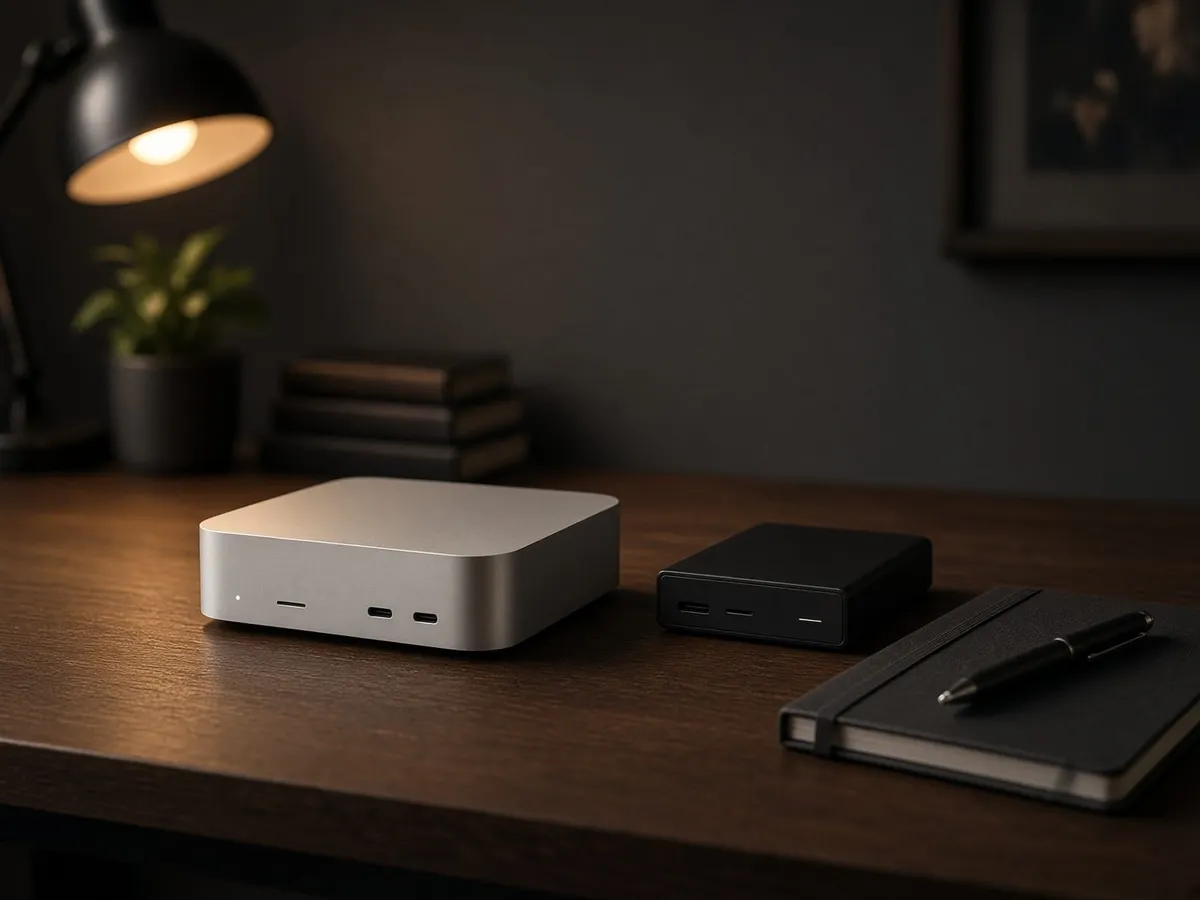
The number on the chip is the wrong place to start. Apple's new M6 Mac mini sits below the M5 Pro mini and M5 Max and Ultra Mac Studios in the desktop range. For local AI, the more useful questions are how much memory the exact configuration offers, whether your software supports it, and how long you are willing to wait for a useful answer.
Our buying view: shortlist a mini for smaller local models and everyday work. Move to Studio when you can name the workload that needs its additional memory or compute. Do not buy an Ultra just because a model can theoretically fit.
Researched buying analysis, checked September 6, 2026. We have not benchmarked these new desktops. Manufacturer performance claims below are identified as such.
What Apple has actually announced
Apple announced the M6 and M5 Pro Mac mini and the M5 Max and M5 Ultra Mac Studio on August 25. Preorders are open; general availability begins September 22. The 512GB Studio configuration is scheduled for late October. These are announced products, but delivery dates and configurations should be checked at checkout. Sources: Apple's Mac mini announcement and Mac Studio announcement.
The desktop comparison that matters
| Desktop | Memory ceiling | Published memory bandwidth | U.S. starting price |
|---|---|---|---|
| Mac mini / M6 | 32GB | 153–170GB/s, configuration dependent | $899 |
| Mac mini / M5 Pro | 64GB | 307GB/s | $1,699 |
| Mac Studio / M5 Max | 128GB | 460–614GB/s, GPU configuration dependent | $2,499 |
| Mac Studio / M5 Ultra | 512GB | 1.2TB/s | $5,499 |
The starting prices do not buy the maximum memory configurations. Apple lists the mini configurations in its Mac mini specifications and the Studio configurations in its Mac Studio specifications. Prices are Apple's U.S. announcement prices, before tax. Options cost more.
The M5 Max Studio's highest memory option requires the 40-core GPU configuration. The 512GB Ultra option requires the 80-core GPU. Check the complete configuration rather than treating a chip family name as a specification.
Capacity first, then the speed of your real task
Suppose you want to run a dense 70-billion-parameter model at a nominal four bits per weight. The raw arithmetic is 70 billion × 4 ÷ 8: 35 billion bytes, or about 32.6GiB. That is only the raw weights. It excludes runtime memory, format overhead, the context cache, the operating system, and every other application.
This is why “70B at four bits” is not a promise that a 32GB computer can run the workload well. It is also why the same model name is not enough for a useful comparison. Quantization, context length, runtime, and concurrency all change the requirements.
Our memory planner makes those assumptions visible. Treat its result as a planning estimate, then check the actual model file and measure memory use in your chosen runtime. You need room to do the work around the model, not merely load its weights.
M6 mini: a starting point, with a clear ceiling
The M6 mini is worth considering when your intended models fit comfortably and you also want an everyday Mac. Its lower entry price makes experimentation easier to justify than a Studio purchase.
Our advice is to try your intended workflow on existing hardware first. Keep a short list of prompts, source documents, and acceptable results. If smaller models already do the job, that is a reason to resist an expensive upgrade. If they consistently fail the task, a newer chip running the same model may only produce the same disappointing answer faster.
M5 Pro mini: the middle option deserves attention
The Pro mini gives you a higher memory ceiling and more published bandwidth than the base mini. That makes it a sensible comparison point before jumping to Studio.
Price the memory configuration you actually need. Then compare that whole machine with the Studio alternative. A low advertised starting price is not helpful if your configuration ends up close to the next tier.
The M5 Pro mini also has Thunderbolt 5, while the M6 mini has Thunderbolt 4. That difference may matter for your external devices. It does not make a drive into additional unified memory. Check Apple's port specifications and our external model-drive guide.
M5 Max and Ultra Studio: buy for a named constraint
Studio becomes interesting when the mini's limits prevent you from running a workload you have already chosen. Larger local models, several active services, and professional work alongside inference are more concrete reasons to investigate it than a desire to “future-proof.”
Our recommendation is to write a purchase condition before configuring an Ultra: “This must run model X, at context Y, while application Z remains usable.” Add a minimum acceptable response time. Without those conditions, it is easy to keep buying capacity without knowing whether the result is useful.
A machine that loads an enormous model is not automatically a good interactive assistant. Ask for measurements of the actual model and quantization. If those measurements do not exist yet, waiting for them is a valid buying decision.
Prompt processing is not answer generation
Apple reports substantial improvements in LM Studio prompt processing. Those are manufacturer results on specified test configurations. They should not be converted into a claim that every model generates answers several times faster. The Studio announcement and test notes describe the comparisons.
For your own test, record time to first token and generation speed separately. Use the same model, quantization, runtime version, prompt length, and output length on each machine. Record whether the model was already loaded. Otherwise storage loading time can distort what looks like a compute comparison.
Also check the answer. A throughput chart cannot tell you whether the model followed the instructions, found the correct passage, or invented a citation.
What about an M5 MacBook?
A laptop adds a portability decision. If this is your daily computer and you travel, the premium may be useful beyond AI. If the machine will stay connected to a monitor and external drive all year, compare a desktop configuration before paying for a screen and battery you rarely use.
Our M5, M5 Pro, and M5 Max guide covers the chip-tier comparison. Check the precise laptop configuration; a shared chip family name does not make every Mac equivalent.
The sensible next step
Choose one useful local AI task. Pick a supported model and runtime. Establish its memory needs and what a good result looks like. Only then compare the Mac configurations that meet that requirement.
The new range offers more choices, but the buying discipline stays the same: spend to remove a demonstrated limit. If you cannot name that limit yet, start with our practical local AI projects and keep your current computer working.
Found something that needs correcting? Tell the editor. Research, estimates, and hands-on measurements should be identified in the article. Read our affiliate disclosure.