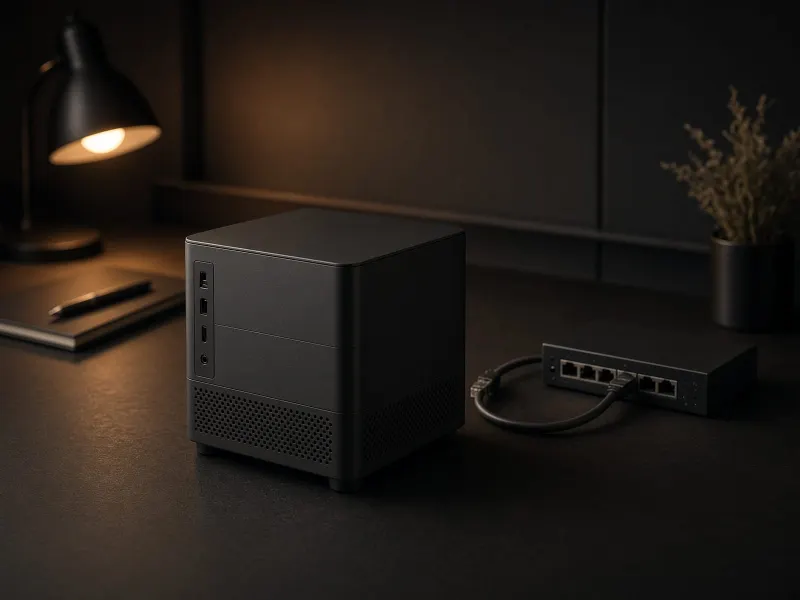
The quick answer
The best local AI home lab is not the biggest rig you can afford. It is the smallest setup that makes one real task easier this month. For most people, that means a quiet Mac Mini or existing computer for local LLMs and automation, plus cloud AI for frontier-quality work. Move to a GPU build only when image generation, ComfyUI, or local model speed is the reason you are spending money: 8-16GB to learn, used 24GB for value, RTX 4090 for faster 24GB runs, or RTX 5090 when you truly need 32GB.
Not sure which route fits you?
Use the Build Picker before buying parts. It routes by workload, budget, noise tolerance, and privacy needs.
Buy for the bottleneck, not the benchmark
Local AI performance is usually limited by one of four things: model memory, GPU VRAM, storage space, or patience. The right purchase depends on which bottleneck you are actually hitting.
| Bottleneck | What it feels like | First fix | Best TokenByte path |
|---|---|---|---|
| Memory | Models will not load, context is tight, multitasking hurts | More unified memory or more VRAM | Mac Mini guide |
| VRAM | ComfyUI workflows fail, upscale chains stall, batches are tiny | 24GB GPU class, often RTX 3090 value hunting | RTX 3090 review |
| Storage | Models, checkpoints, LoRAs, outputs, and datasets are scattered | 2TB or larger fast SSD | Gear hub |
| Workflow | You can run models, but nothing useful happens repeatedly | One automation with a clear input and output | Automation starter |
The 30-day local AI lab plan
Week 1: prove a workflow. Install Ollama or LM Studio, run a small model, and automate one boring task: summarize transcripts, clean notes, tag files, or draft repeatable reports.
Week 2: organize the model library. Put models, checkpoints, workflows, outputs, and benchmark notes into a predictable folder structure on fast storage. This is the least exciting step and one of the highest ROI upgrades.
Week 3: benchmark one real job. Measure tokens per second, generation time, VRAM use, power/noise, and failure points. Do not benchmark random demos. Benchmark what you plan to run weekly.
Week 4: buy the missing capability. If your workflow is text-heavy and quiet, upgrade the Mac Mini path. If it is image-heavy, move toward the RTX 3090 or another 24GB-class GPU. If everything works but feels messy, buy storage, backup, and power protection first.
The starter parts list
| Priority | Part | Why it matters | Skip if |
|---|---|---|---|
| 1 | 2TB+ SSD | Model libraries grow quickly, and slow scattered storage makes testing painful. | You already have a clean high-speed model drive. |
| 2 | Mac Mini or always-on PC | Quiet local models, scheduled jobs, dashboards, and private document workflows. | Your main machine is already on and available. |
| 3 | RTX 3090-class GPU | 24GB VRAM is still the practical threshold for many serious local image and LLM experiments. | You mostly use text models and cloud image tools. |
| 4 | UPS and backup drive | Long jobs and always-on automations need boring reliability. | You only run short manual experiments. |
Recommended gear categories
Start with storage, then choose the machine that matches the bottleneck you proved. The gear hub is set up for affiliate links once your accounts are ready.
The mistakes that waste money
Buying the GPU before the workload. A GPU lab is wonderful when you need ComfyUI, image batches, or VRAM-heavy tests. It is overkill if your real need is private summarization and automation.
Ignoring storage. Local AI turns into a pile of models, checkpoints, datasets, outputs, and screenshots fast. Storage is not glamorous, but it keeps the lab usable.
Publishing thin reviews. Google says strong reviews should show in-depth research and make the actual review content visible to readers. TokenByte should lean into screenshots, measurements, pros and cons, alternatives, and evidence instead of generic “best gear” lists.
Local AI home lab FAQ
What should I build first for a local AI home lab?
Start with one useful workflow, such as local file summarization or transcript cleanup, then buy for the bottleneck you actually hit: memory, VRAM, storage, or reliability.
Is a Mac Mini enough for local AI?
Yes, if your work is local text models, file processing, dashboards, and automations. Choose a GPU build first if ComfyUI image generation speed is the main goal.
When is an RTX 3090 worth buying for local AI?
It makes sense when you need 24GB of VRAM for ComfyUI, image workflows, or larger local model experiments and can handle power, heat, cooling, and used-card risk.
What is the first local AI accessory to buy?
Fast storage. Model files, checkpoints, outputs, datasets, and benchmark notes grow quickly, so a dedicated 2TB or larger SSD keeps the lab usable.
Research notes
This roadmap reflects current platform constraints and search-quality guidance: Ollama documents NVIDIA RTX 30-series support and notes that model loading depends on available memory; ComfyUI documents support for NVIDIA, Apple Silicon, AMD, Intel, and CPU paths; Google Search Central recommends product reviews with visible review content, in-depth research, pros and cons, and specific item coverage.