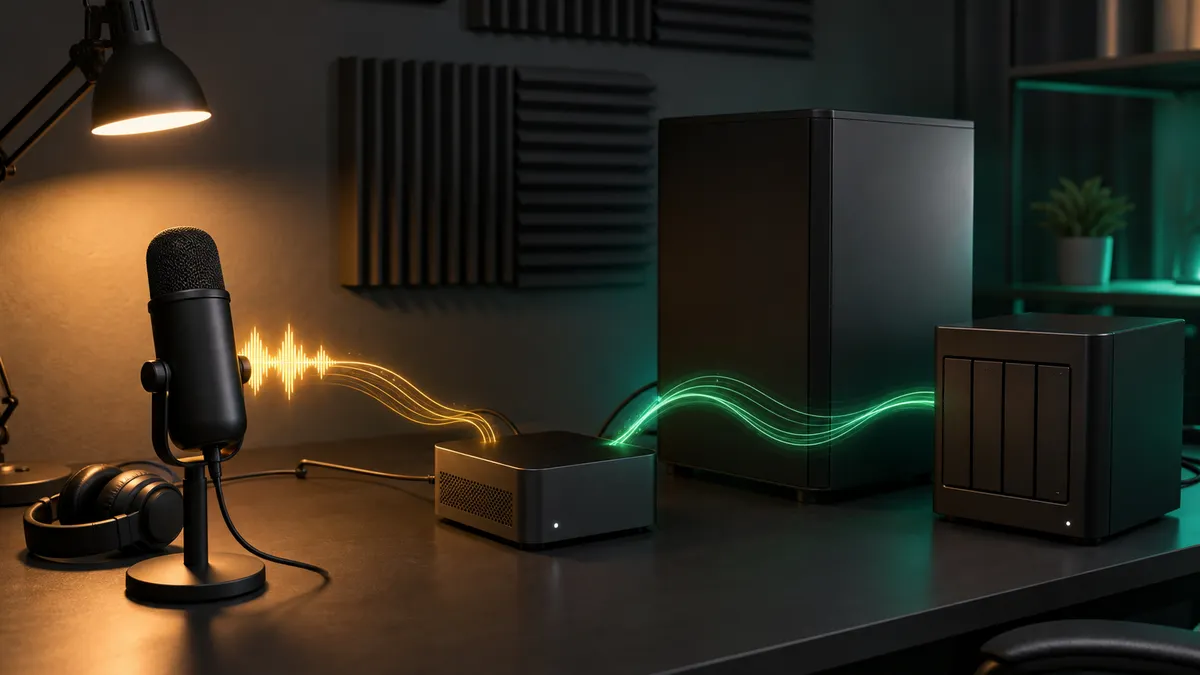
Most home-lab AI stacks start with text and images. You install Ollama, try a few local models, build a ComfyUI workflow, maybe add Open WebUI, and suddenly the machine feels useful.
Audio usually comes later, even though it may be the easiest way to make the lab part of real life.
Meeting notes, project logs, repair notes, voice memos, family archive clips, podcast rough cuts, workshop dictation, video subtitles, and automation triggers all start with the same boring step: turn speech into text. You can send that audio to a cloud transcription service, and for many people that is fine. But if you already built a private local AI box, there is a strong case for keeping the first pass at home.
Local speech-to-text does not need to be mysterious. You need a model, a clean audio habit, a place to run the job, a folder structure, and a realistic sense of what the transcript is good for. It is not magic. It will miss words. It will dislike bad microphones, overlapping speakers, heavy room echo, and random file formats. But it can be good enough to become one of the most useful services in the whole lab.
This is researched home-lab guidance for June 30, 2026, not a TokenByte benchmark or hands-on review of a specific microphone, GPU, Mac Mini, or transcription model. TokenByte has not measured accuracy, speed, thermals, or power draw for the tools discussed here. Treat this as a practical build plan, then test with your own voice, room, accents, audio files, and hardware.
Affiliate disclosure: TokenByte may earn a commission when you buy through links on this site. That does not change the recommendation here: start with the microphone and computer you already own, then upgrade only after you know whether your bottleneck is audio quality, processing time, storage, or workflow friction.
The short version
A good local speech-to-text setup has five pieces:
- a repeatable way to capture audio
- a model runner such as Whisper, whisper.cpp, or faster-whisper
- a clear place to store audio, transcripts, and summaries
- a cleanup step before the text enters your notes or automations
- a privacy rule for what stays local and what can leave the lab
If you are already running a TokenByte-style local AI setup, this can fit next to your existing stack. A Mac Mini can handle light dictation and batch jobs. An RTX workstation can chew through longer files while also running other local AI work. A NAS can hold original recordings and finished transcripts. Open WebUI or another local LLM front end can summarize the transcript after the speech-to-text pass is finished.
If you are still planning the machine, use the TokenByte build picker first, then compare the Mac Mini local AI guide, the ComfyUI GPU guide, the recommended gear hub, and TokenByte's how we test page before buying anything new.
Why local transcription is worth adding
Speech-to-text is not just a convenience feature. It is a bridge between messy real-world work and the structured local AI stack you have already built.
Once speech becomes text, the rest of the lab can help:
- a local LLM can summarize a meeting into action items
- a notes app can index voice memos
- a home-lab dashboard can attach repair notes to a machine
- a script can rename audio files by topic
- a video workflow can generate first-pass captions
- an automation can watch a folder and process new recordings overnight
The privacy angle matters too. Audio is often more sensitive than a typed prompt. A raw recording may include names, addresses, health details, side conversations, kids, background TV, client information, or a room full of people who did not expect their voices to become cloud training data. Local processing gives you a better default. It does not solve consent, security, or retention by itself, but it keeps the first copy inside your own system.
That is the point of a local speech-to-text pipeline. Not maximum novelty. Fewer places where private audio has to travel.
Pick the runner before you pick the hardware
There are three common starting points.
OpenAI's Whisper repository is the reference implementation most people recognize. It documents several model sizes and uses FFmpeg for audio handling. It is a good baseline to understand the model family and the tradeoffs between smaller and larger models.
whisper.cpp is the home-lab favorite when you want a lean local binary, broad hardware support, and a practical path for CPUs, Apple Silicon, and accelerators. The project documents support across common local platforms, including Metal and Core ML paths on Apple hardware. That makes it a natural fit for a Mac Mini that sits quietly on a desk or shelf.
faster-whisper is a Python-focused implementation built on CTranslate2. Its documentation calls out CUDA and cuDNN requirements for GPU acceleration, and it can be attractive if your local AI box is already a Python service machine with an NVIDIA card.
Do not start by asking, "Which one is fastest?" Start with the shape of your use case.
| Use case | Sensible first test |
|---|---|
| Occasional voice memos on a Mac | whisper.cpp |
| Python automation service | faster-whisper |
| Learning the model family | OpenAI Whisper |
| Long overnight batches | RTX box with faster-whisper or whisper.cpp |
| Simple offline utility | whisper.cpp command line |
| Pipeline with later LLM summaries | any runner with predictable output files |
The runner is not a religion. It is a maintenance choice. Pick the one you will actually update, monitor, and recover when a dependency changes.
Audio quality beats model size sooner than people expect
It is tempting to treat transcription as a model-size problem. Use a bigger model, get better text.
Sometimes that helps. It is not the first lever I would pull.
Bad audio gives every model a harder job. Room echo, fan noise, keyboard noise, a laptop microphone across the table, clipped input levels, and people talking over each other can do more damage than a smaller model. If your recordings are rough, spend your first effort on capture habits:
- put the microphone closer to the speaker
- avoid clipping
- reduce fan and keyboard noise
- record in a quieter room when possible
- avoid placing the microphone on the same desk as a loud workstation
- keep one known-good recording format for the pipeline
- save the original file before cleanup
You do not need an expensive studio chain to begin. A decent USB microphone, a quiet corner, and consistent distance can be enough for useful project notes and dictation. For meetings, a single room microphone may be convenient but messy. Individual tracks or a closer speakerphone can be easier to transcribe cleanly.
If you do buy gear, buy to solve a problem you have heard in your own recordings. Do not buy a microphone because a transcript looked bad once. Listen first.
Normalize files before transcription
Local transcription gets easier when every input file arrives in a predictable shape.
FFmpeg is the boring hero here. The Whisper repository notes FFmpeg as a dependency, and FFmpeg can convert odd input formats into something your runner can process consistently. You might receive audio as an M4A from a phone, a WAV from a recorder, an MP3 from a meeting app, or an audio track inside a video file. The pipeline should not care.
A simple home-lab habit looks like this:
- Drop raw files into an
incoming-audiofolder. - Copy the original to an archive folder.
- Convert a working copy to a consistent audio format.
- Run speech-to-text on the working copy.
- Save the transcript beside the original.
- Send the transcript, not the raw audio, into your notes or summary tool.
You can build that with shell scripts, Python, Hazel-style folder automation, n8n, cron, launchd, or whatever already fits your lab. The important part is not the tool. It is the repeatable contract.
For example:
/srv/ai/audio/
  incoming/
  originals/
  working/
  transcripts/
  summaries/
That structure keeps you from losing the source file, overwriting a transcript, or mixing private recordings into a public project folder.
Where the Mac Mini fits
A Mac Mini is a good local transcription node when you care about quiet operation, low desk friction, and Apple Silicon support.
Apple's current Mac mini specs make the machine a compact always-on candidate, and whisper.cpp's Apple paths are one reason it is popular in this space. A Mac Mini will not be the right answer for every long batch job, but it is a very practical place to start if your workload is voice memos, short meetings, personal notes, or overnight batches that do not need to compete with GPU image generation.
The Mac Mini role is especially clean when it is already your control machine:
- record or receive audio
- normalize with FFmpeg
- transcribe locally
- store transcripts on local storage or a NAS
- send cleaned text to a local LLM for summaries
- leave the RTX box free for ComfyUI, larger LLMs, or GPU-heavy jobs
This is also easier to live with. A quiet Mini on the desk is less annoying than starting a loud GPU tower every time you want to dictate notes after a project.
Where the RTX box fits
The RTX box makes sense when transcription becomes a batch service.
If you have hours of meeting recordings, video audio, interviews, or archive material, a GPU workstation can be the right machine. faster-whisper's CUDA path is the obvious thing to test if your AI box already has a supported NVIDIA driver stack and you are comfortable maintaining CUDA and cuDNN. whisper.cpp can also be part of the picture depending on how you build it and which backend you choose.
The caution is scheduling.
If the same GPU also runs Ollama, ComfyUI, image generation, or experiments, transcription should not be allowed to surprise the rest of the lab. Use the same operating discipline you would use for other GPU work:
- batch long jobs overnight
- keep the raw files and transcripts on predictable storage
- watch GPU memory and utilization with tools such as
nvidia-smi - do not run a giant transcription queue during a ComfyUI session
- document which service owns the GPU
- keep one CPU or Mac fallback for urgent short files
Speech-to-text is useful precisely because it can become automatic. That also means it can become one more background job that steals resources if you do not give it boundaries.
Do not skip the review step
A transcript is not truth. It is a model's best guess from audio.
For personal notes, rough project logs, and search indexing, that may be enough. For anything legal, medical, financial, client-facing, or public, it needs review. Names, part numbers, addresses, commands, dollar amounts, and technical terms are exactly the kinds of details you should verify before trusting the output.
I like a two-layer workflow:
- Keep the raw transcript as the machine-generated record.
- Create a reviewed note or summary as the human-usable artifact.
That way, a later local LLM summary does not hide the fact that the original transcript may contain errors. The reviewed note can be shorter, cleaner, and safer.
This also helps with automation. A transcript can trigger a draft note. It should not automatically send a customer email, publish a post, delete files, or change a home-lab system without a human approval step.
Add local LLM cleanup carefully
Once the speech-to-text step works, the next temptation is obvious: send the transcript to a local LLM and ask for a summary.
That can be extremely useful.
Good local summary prompts can turn a messy transcript into:
- bullet notes
- action items
- a shopping list
- a repair log
- meeting decisions
- a title and filename
- a list of follow-up questions
- a cleaned dictation draft
But do not make the LLM pretend the transcript is cleaner than it is. Include a prompt rule like:
Summarize only what appears in the transcript. Preserve uncertainty. Mark unclear words as unclear. Do not invent names, dates, prices, commands, or decisions.That rule matters. Local does not automatically mean accurate. It only means the data path is under your control.
If you are already using Open WebUI, Ollama, or another local chat interface, this is a good place to connect the dots. Transcribe first. Review the transcript when needed. Summarize second. Store both outputs.
The first weekend build
Do not build the grand version first. Build a boring version you can trust.
Here is a reasonable weekend plan:
- Choose five test files: one clean voice memo, one noisy memo, one meeting clip, one technical note, and one longer file.
- Install one runner, not three.
- Normalize inputs with FFmpeg.
- Run the same files through the same model settings.
- Save transcripts in a predictable folder.
- Read the transcripts and mark the kinds of errors you see.
- Try one audio improvement before trying a bigger model.
- Add one local LLM summary prompt after transcription works.
That test will teach you more than a dozen generic benchmark charts. You will learn whether your room is too noisy, your microphone is too far away, your model is too small, your Mac is fast enough, your RTX box is worth using, and your folder structure makes sense.
Only then should you automate it.
What to buy first, if anything
Most people should not buy a new GPU for local transcription alone.
If you already have an RTX local AI box, use it. If you already have a Mac Mini, test whisper.cpp there. If you already have a decent microphone, start with that. If you already have a NAS, make it the archive and transcript store.
The first purchases that actually make sense are usually modest:
- a better USB microphone if your audio is muddy
- a small boom arm or stand to get the microphone closer
- closed-back headphones for review
- enough storage to keep originals and transcripts organized
- a quiet mini computer if you want always-on transcription without running the main workstation
The bigger upgrades come later. A GPU box is attractive when transcription joins a wider local AI workload: ComfyUI, LLM serving, video processing, OCR, and automation. If you are building that broader machine, use TokenByte's recommended gear hub and build picker to keep the purchase tied to the whole lab, not just one feature.
A private voice layer is the point
Local speech-to-text is one of those features that sounds small until it becomes part of the routine.
You walk away from the bench, record a repair note, and it becomes searchable. You finish a meeting, drop the audio into a folder, and wake up to a transcript. You dictate a rough article idea, then clean it with a local model. You archive family audio without sending the first pass across the internet. You keep project context in your own lab.
That is the promise. Not perfect transcription. Not magical meeting intelligence. Not a reason to buy hardware you do not need.
Just a private voice layer for the local AI setup you are already building.
Start small. Keep the originals. Review important text. Let the automation earn trust before it earns responsibility.
Found something that needs correcting? Tell the editor. Research, estimates, and hands-on measurements should be identified in the article. Read our affiliate disclosure.