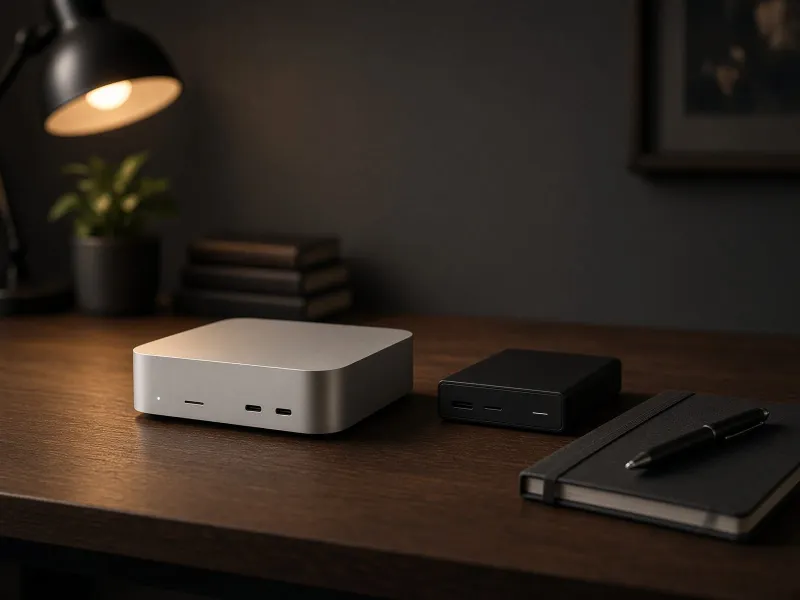
M6 Mac mini vs M5 Mac Studio for Local AI: What Is Worth Buying?
The newest chip is not always the most capable configuration. Compare the new Macs around memory, real workloads, and what Apple has actually announced.
Read the article →Practical local AI guides for running models, workflows, storage, networking, and automation on hardware you control.
The newest chip is not always the most capable configuration. Compare the new Macs around memory, real workloads, and what Apple has actually announced.
Read the article →
A coherent Linux desktop is a good starting point. Here is what to check before making Omarchy your everyday local AI workstation.
Read the article →
A practical local AI agent sandbox plan for browser profiles, file mounts, Mac accounts, Docker permissions, network access, logs, and buying the right control box
Read the article →
Buy a UPS for controlled shutdown, not for finishing a long AI run during an outage.
Read the article →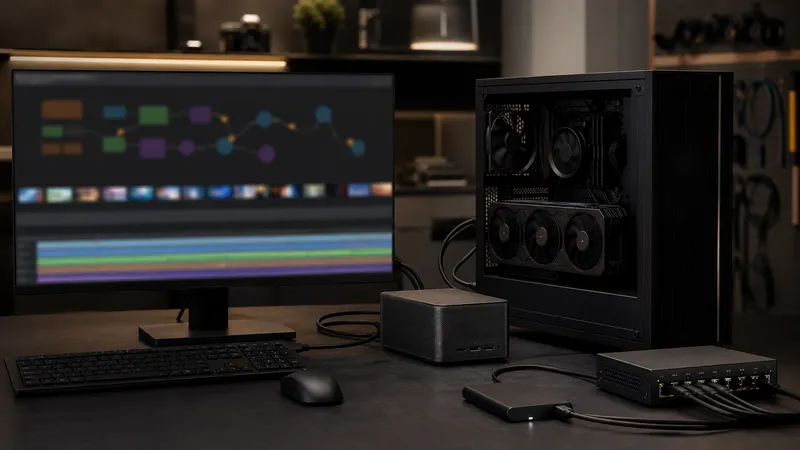
A practical buying plan for local AI video generation, covering Wan2.2, ComfyUI, VRAM, offloading, storage, queues, and when RTX hardware is actually justified
Read the article →
Choose Mac mini or Mac Studio for local AI by starting with the model, memory headroom, storage plan, and whether an RTX box would fit the workload better.
Read the article →
A practical case-clearance plan for RTX 5090, RTX 4090, and RTX PRO local AI workstations, covering GPU length, width, cables, radiators, airflow, and return-window checks
Read the article →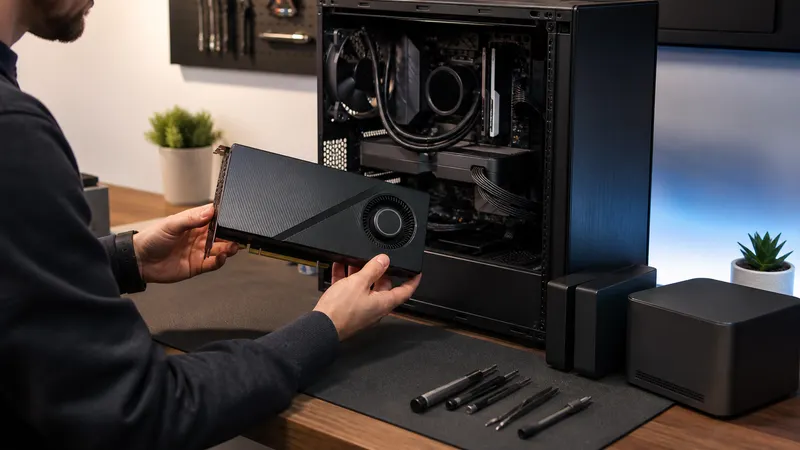
A practical buying filter for 96GB RTX PRO 6000 Blackwell local AI builds, with price, power, memory, software, and cheaper alternatives
Read the article →
A practical DGX Spark and GB10 buying guide for local AI labs comparing 128GB unified memory, CUDA support, Mac mini utility, RTX workstation speed, and price
Read the article →
A practical AI PC buying guide for local LLM users who need to understand NPU TOPS, RAM, VRAM, software support, and better home-lab upgrade choices
Read the article →
A practical ComfyUI Python environment plan for custom nodes, PyTorch, CUDA wheels, lockfiles, rollback notes, and local AI workflow stability
Read the article →
A practical KVM plan for local AI desks with a Mac Mini, RTX workstation, shared monitor, USB peripherals, display limits, and buying tradeoffs
Read the article →