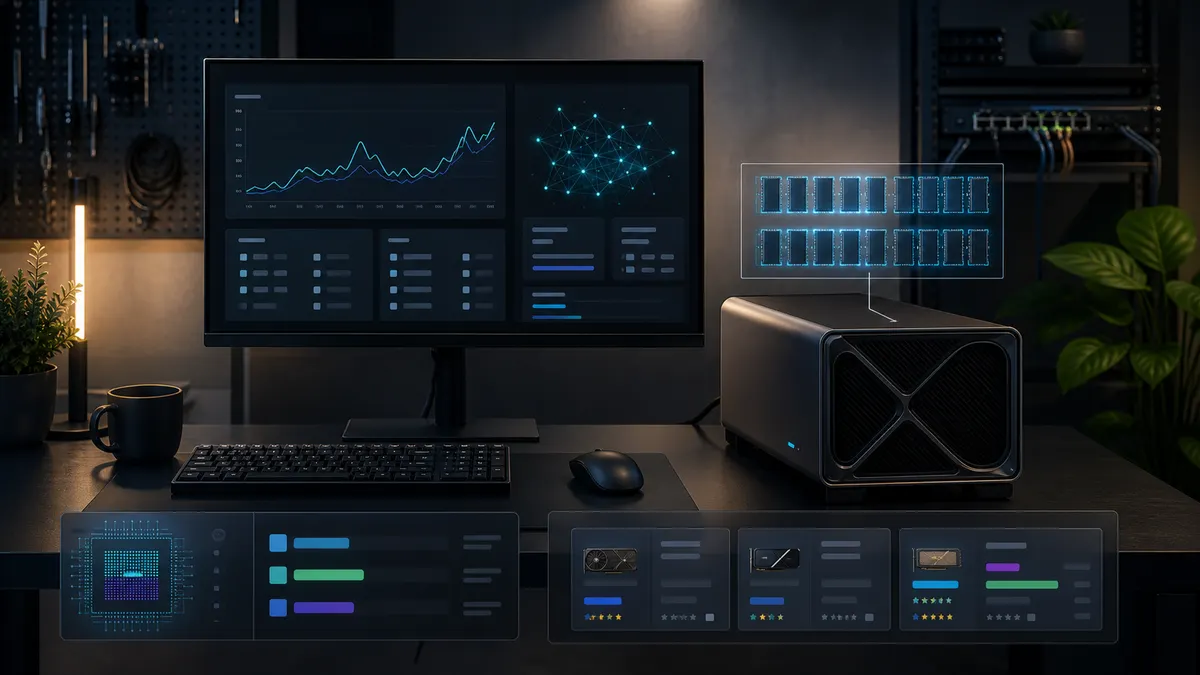
Pricing context: amounts and retailer observations in this guide are historical, not live stock or checkout quotes. Verify the exact card, seller, price, and return policy before buying. For published specifications, use NVIDIA’s RTX 5090 product page.
The RTX 5090 is not the card most people should buy first.
That sounds strange for a price guide, but it is the honest place to start. For local AI, the 5090 is the expensive card you buy when the workload already justifies it: heavy ComfyUI workflows, video generation experiments, large image batches, model testing, CUDA-heavy tinkering, and a home-lab box that is supposed to be the fast machine in the room.
If you are still figuring out whether local AI is useful to you, start with the TokenByte build picker or the ComfyUI GPU guide first. If you already know you want the top consumer GPU class and you are trying to avoid a bad purchase, this guide is for you.
As of June 26, 2026, the RTX 5090 price conversation is still messy. NVIDIA lists the RTX 5090 as a 32 GB GDDR7 card, and the launch MSRP for the Founders Edition was widely treated as the baseline at $1,999 in the US. The problem is that real listings do not always behave like MSRP exists. Stock comes and goes, third-party cards carry different coolers and factory settings, and marketplace listings can drift into prices that make no sense for a home lab.
So the buying question is not just "where is an RTX 5090 in stock?" The better question is:
Can you buy one from a trustworthy seller, with a normal return path, at a premium your actual local AI workload can justify?
Affiliate disclosure: TokenByte may earn a commission when you buy through links on this site. That never changes the buying rule here: do not overpay for a GPU just because a search result says it is available.
The short version
If I were buying an RTX 5090 for a local AI box today, I would check stores in this order:
- Best Buy, especially for direct retailer listings and clearer consumer returns.
- Micro Center, especially if you live near a store and can inspect the purchase path.
- B&H, especially for stock alerts and creator-friendly ordering.
- Newegg, but filter carefully and pay attention to seller, return terms, and bundles.
- Amazon, but only when the listing is sold by a trustworthy party with clear return and warranty handling.
My current price bands:
| Price zone | How I would treat it |
|---|---|
| Around $1,999 to $2,199 | Strong buy zone if it is a real retailer listing and you actually need 32 GB VRAM |
| Around $2,200 to $2,499 | Reasonable for a specific cooler, quiet build, or urgent work need |
| Around $2,500 to $2,799 | Caution zone. Make the workload justify the premium before clicking buy |
| Around $2,800 and up | Usually walk away for a home lab unless the card pays for itself |
Those are decision bands, not guaranteed live prices. GPU prices change fast, and checkout pages matter more than screenshots. If the price is much higher than the fair zone, compare the 5090 against an RTX 4090, a used RTX 3090, a Mac Mini utility build, or waiting for the next stocked drop.
Why local AI buyers care about the 5090
For games, a top-end GPU is often about frame rate. For local AI, the buying logic is different.
The first thing local AI buyers notice is VRAM. The RTX 5090's 32 GB of GDDR7 gives it more room than the RTX 4090's 24 GB and much more room than 16 GB cards. That extra memory matters when a ComfyUI workflow starts stacking larger models, ControlNet, upscalers, high resolutions, batch output, or video nodes. It also matters when you are testing local models and want fewer out-of-memory failures.
The second thing is speed. A 5090 should be treated as the machine for workloads that you run often enough to value the time saved. If you generate one image a week, the money is probably better spent elsewhere. If you are iterating on workflows every night, testing multiple model families, or building a repeatable content pipeline, the math changes.
The third thing is platform cost. A 5090 is not a standalone purchase. You also need the right case clearance, power supply, airflow, motherboard slot layout, operating system plan, and a place where heat and noise will not ruin the room. The recommended gear page is built around that whole-system view because local AI hardware is not just a GPU receipt.
Best places to check first
Best Buy
Best Buy is my first stop because the buying path is easy to understand. For a card this expensive, that matters. You want a direct retail listing, a clear return policy, and fewer surprises around who actually sold the card.
What to check:
- Whether the listing is sold directly by Best Buy.
- Whether pickup is available near you.
- Whether the price is close enough to MSRP to justify acting quickly.
- Whether the model is a Founders Edition or a third-party card with a specific cooler and size.
Best Buy can be frustrating because high-demand cards sell out quickly. Still, for a home user, I would rather miss a drop than pay a strange marketplace price from a seller I do not understand.
Micro Center
Micro Center is excellent if you live near one.
The advantage is not just price. It is the ability to treat a $2,000-plus GPU like real hardware instead of a mystery box. Local pickup, store-level availability, and the ability to ask about return handling can be worth a lot.
What to check:
- Store-specific stock, not just national search results.
- Whether the listing is actually available for pickup.
- Box condition and return terms.
- Physical card size if your case is tight.
Micro Center can also be useful if you are building the whole machine at once. Power supplies, cases, storage, and cooling choices matter more with a 5090 than they do with a modest GPU.
B&H
B&H is worth watching for stock alerts and creator-oriented ordering. The site often has clean product pages, clear backorder language, and useful availability signals.
For local AI buyers, B&H makes sense when you are not trying to panic-buy the first listing you see. If the exact model you want is out of stock, a stock alert can keep you from refreshing five stores all day.
What to check:
- In stock, backordered, or special order status.
- Expected availability language.
- Return terms for opened computer hardware.
- Whether the card length and power requirements fit your build.
Do not assume every backorder is worth joining. If the date is vague and the price is not compelling, keep looking.
Newegg
Newegg can be useful, but it requires more attention.
The upside is selection. You may see more board partners, cooler designs, bundles, and restocks. The downside is that a search page can mix direct Newegg listings, marketplace sellers, combos, and pricing that does not deserve your money.
What to check:
- Seller name.
- Shipped-by details.
- Return policy.
- Whether the listing is a bundle.
- Whether the final checkout price changed.
- Whether the card is new, open box, refurbished, or marketplace inventory.
Newegg is not an automatic no. It is just not the place to turn your brain off.
Amazon
Amazon is the last place I would check for this card unless the seller and return path are obvious.
There are legitimate GPU purchases on Amazon, but high-demand hardware also attracts confusing listings, inflated prices, third-party sellers, and product pages where the most important detail is buried. For a $2,000-plus local AI purchase, you need boring confidence.
What to check:
- Sold-by and shipped-by details.
- Return window.
- Whether the product page is for the exact model shown.
- Recent seller feedback.
- Warranty handling.
- Final price after shipping.
If anything feels weird, skip it. A cheap listing from a questionable seller is not a deal if it turns into a warranty problem.
How much should you pay?
Start with MSRP as the anchor, then ask what the premium buys you.
A small premium can make sense if the card is in stock from a trustworthy retailer, the cooler is right for your case, and the workload is waiting. A larger premium needs a reason. A massive premium is usually a sign to pause.
For local AI, the fairest way to think about price is cost per useful capability.
You are paying for:
- 32 GB VRAM.
- High CUDA performance.
- A top-end consumer GPU software path.
- Less time waiting on heavy generation work.
- More headroom for complex ComfyUI workflows.
You are not paying for magic. A 5090 will not fix a bad workflow, a broken custom-node setup, weak case airflow, slow model organization, poor storage habits, or a network path that makes every file move painful. If the rest of the lab is messy, upgrade the lab first.
That is why I like keeping a benchmark log before buying high-end hardware. The how we test page explains the TokenByte bias here: measured evidence beats vibes. If you cannot name the workload that needs the 5090, you probably do not need to pay 5090 money today.
RTX 5090 vs RTX 4090 vs RTX 3090
The RTX 5090 is the high-end choice, but it is not the only serious local AI choice.
An RTX 4090 still makes sense when the price gap is large and 24 GB VRAM is enough for your workflows. It remains a very strong ComfyUI and local AI card, and the used/new market may create better value depending on timing. If your projects fit in 24 GB, read the RTX 4090 local AI guide before paying a large 5090 premium.
An RTX 3090 is slower and older, but 24 GB VRAM can still be useful for budget local AI. It is also the kind of card where condition, seller trust, thermals, pads, and power behavior matter a lot. Used 3090 buying is not casual shopping. It is a checklist purchase.
A 16 GB card can still be right for a starter build, especially if you are learning ComfyUI, running smaller models, or keeping the spend sane. More VRAM is helpful, but a working 16 GB lab beats waiting forever for the perfect card.
A Mac Mini local AI setup is a different tool. It is quiet, compact, and useful for always-on local AI tasks, light model serving, automation, notes, and home-lab utility work. It is not a drop-in replacement for a high-end CUDA box, but it can be the right second machine.
When not to buy a 5090
Do not buy a 5090 just because it is the best card.
Skip it if:
- You do not yet know your actual ComfyUI or local model workload.
- You are stretching the budget and still need a power supply, case, SSD, RAM, or backup plan.
- The listing is far above MSRP and the seller path is unclear.
- You are buying from a marketplace seller with weak return handling.
- Your current bottleneck is workflow design, storage organization, or model choice.
- You only need casual local AI output once in a while.
The local AI upgrade path should feel boringly logical. First prove the workload. Then buy the hardware that removes the bottleneck. Then log the result so the next purchase is smarter.
My buying recommendation
If the RTX 5090 is near MSRP from Best Buy, Micro Center, B&H, a reputable Newegg listing, or a clearly trustworthy Amazon seller, it is a serious local AI card worth considering.
If it is sitting around a moderate premium and you already have heavy ComfyUI or video-generation work waiting, it can still make sense. Time has value, and a fast 32 GB card can make the lab feel less fragile.
If the listing is massively above MSRP, I would wait, buy a better-value RTX 4090, build around a used RTX 3090, or put the money into the parts that make the whole lab better: RAM, NVMe storage, backup, networking, cooling, and a quiet always-on machine.
The 5090 is the card to buy when you can clearly say, "This specific workload will use the extra memory and speed."
That is the difference between a powerful home-lab purchase and an expensive trophy.
Found something that needs correcting? Tell the editor. Research, estimates, and hands-on measurements should be identified in the article. Read our affiliate disclosure.