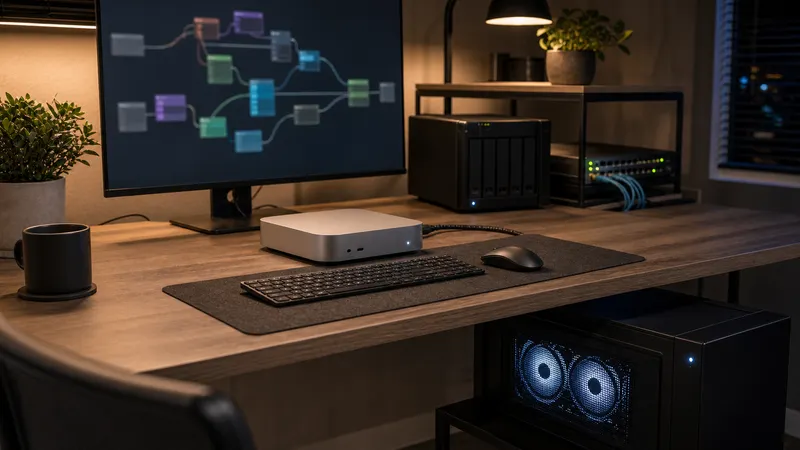
Run a Headless ComfyUI GPU Box From a Mac Mini Without Making a Mess
A practical guide to running a headless ComfyUI GPU workstation from a Mac Mini, covering network access, storage, power, security, and buying tradeoffs
Read the article →Practical local AI guides for running models, workflows, storage, networking, and automation on hardware you control.
A practical guide to running a headless ComfyUI GPU workstation from a Mac Mini, covering network access, storage, power, security, and buying tradeoffs
Read the article →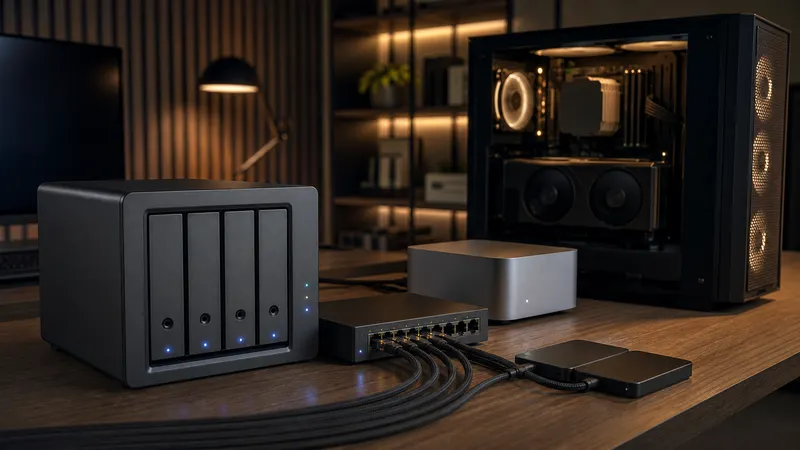
A practical NAS guide for local AI home labs, covering shared model storage, ComfyUI and Ollama paths, 2.5GbE vs 10GbE, HDD vs SSD pools, backups, and buying tradeoffs
Read the article →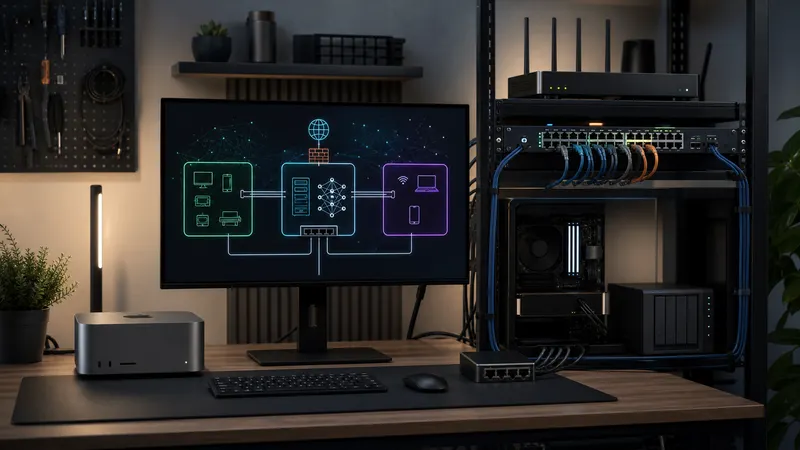
A practical guide to isolating local AI boxes, ComfyUI workstations, agents, NAS storage, and lab devices with VLANs, firewall rules, and safe defaults
Read the article →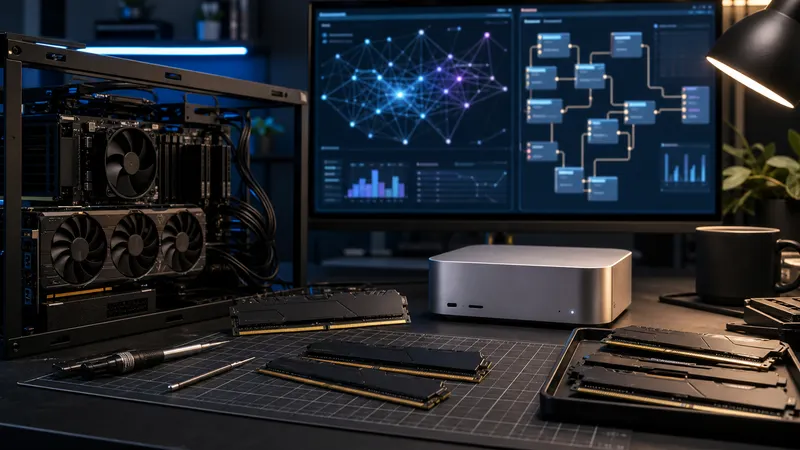
A practical RAM guide for local AI home labs, covering 32GB, 64GB, 128GB, ComfyUI, Ollama, Mac mini unified memory, and PC upgrade choices
Read the article →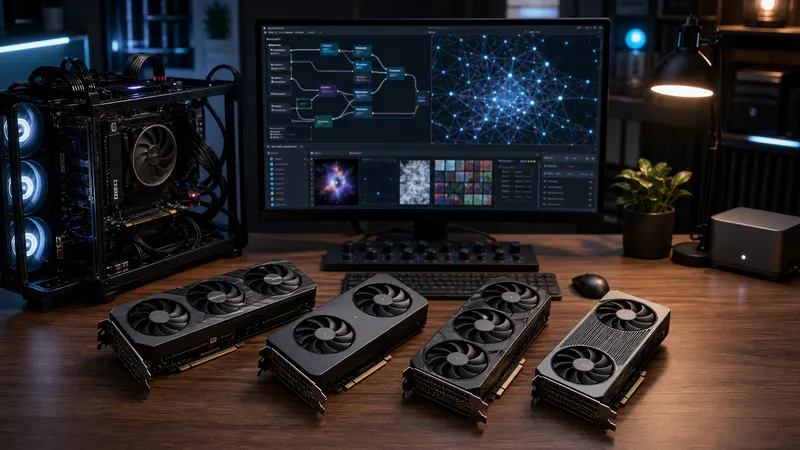
A practical source-backed refresh of TokenByte's starter GPU guide for ComfyUI and local AI builds.
Read the article →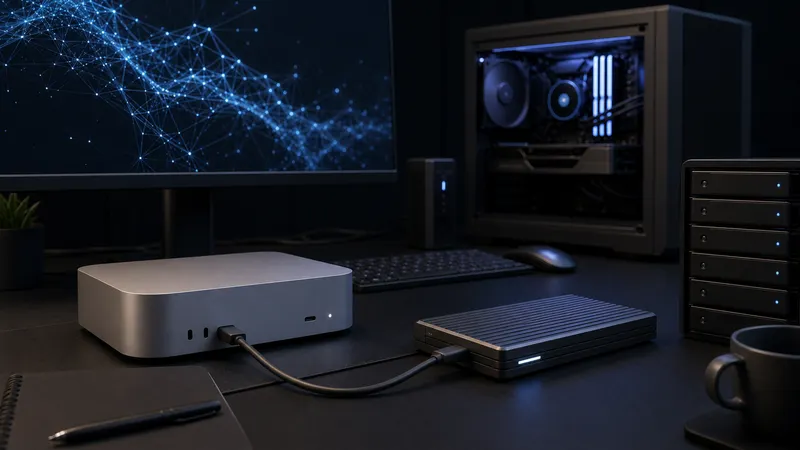
Choose a local AI model drive by capacity, port speed, and machine type. Thunderbolt 5 helps transfers, but RAM, VRAM, and backup habits still matter more.
Read the article →A practical 2026 local AI home-lab roadmap for choosing your first Mac Mini, RTX 3090, ComfyUI, Ollama, storage, and automation setup.
Read the article →
Native Linux is still the cleaner default for a dedicated RTX local AI box, but WSL 2 is a real option when Windows has to stay.
Read the article →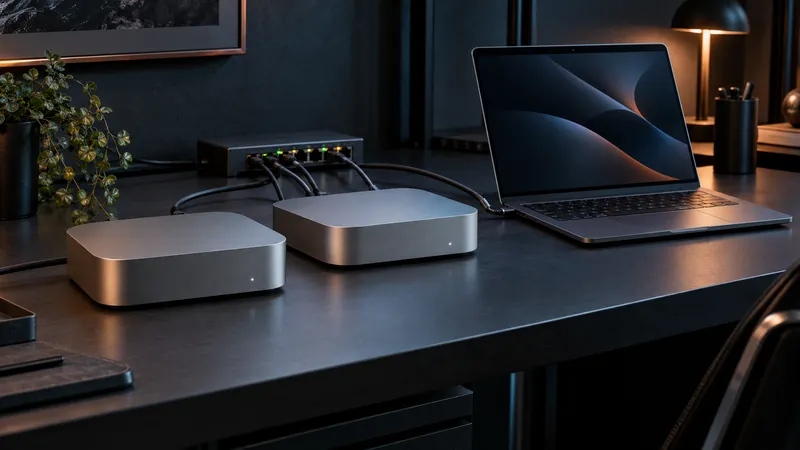
EXO can link Macs into a local AI cluster for larger models, but it is not a shortcut around memory math, setup discipline, or single-machine simplicity.
Read the article →