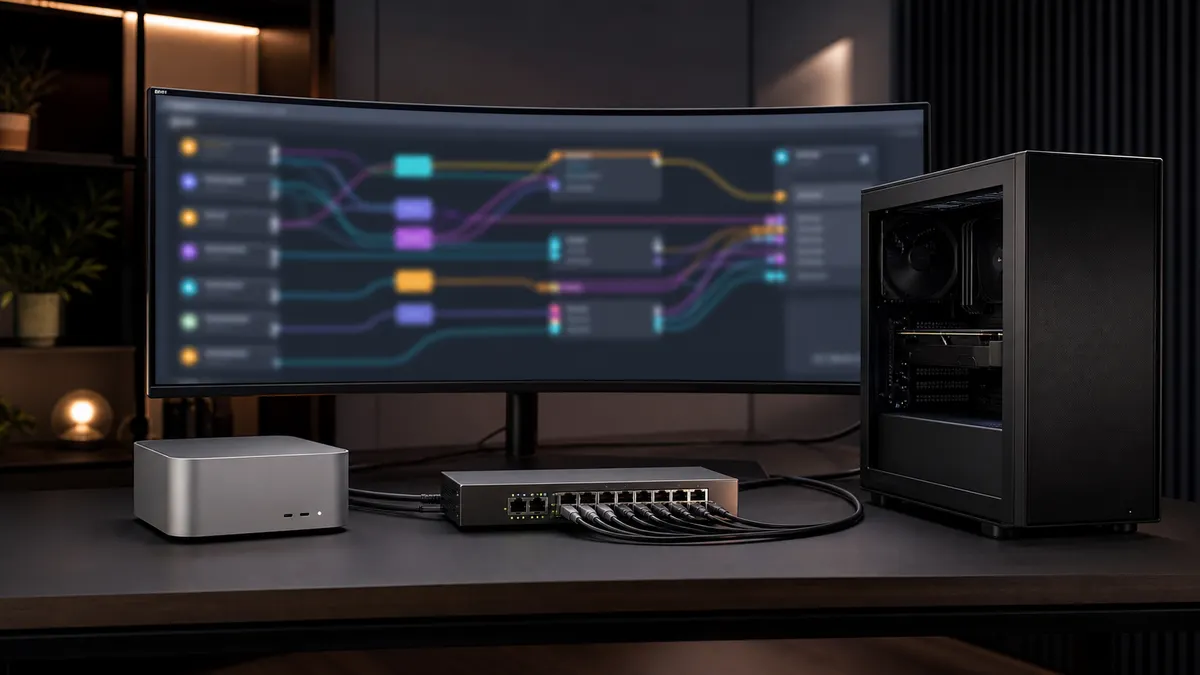
The awkward stage of a local AI lab starts when one model endpoint stops being enough.
At first, everything points at one Ollama box. Then a Mac mini joins the setup because it is quiet and always on. Then the RTX tower handles heavier jobs. Then a tool expects an OpenAI-style URL, another tool wants a local model name, and your automations start carrying hardcoded addresses like spare keys under the doormat.
That works until it does not. A model gets moved. The GPU box is off. A coding assistant needs a smaller model for routine work and a larger one for harder prompts. A document workflow should use the cheap local endpoint first, but fall back cleanly when the model is not loaded.
A local model router fixes the shape of the problem. Instead of teaching every app where every model lives, you give apps one stable endpoint and make the router decide what sits behind it.
This is not a pitch for a complicated enterprise gateway. It is a practical home-lab pattern: one front door for your local AI services, with plain routing rules, boring names, and enough logging to know what happened.
Affiliate disclosure: TokenByte may earn a commission when you buy through affiliate links. That does not change the price you pay, and it does not change the practical recommendations here.
Why a Router Belongs Between Apps and Models
The cleanest local AI setup is usually not the setup with the most models. It is the setup where your apps do not care which machine is doing the work.
For example, you might want:
local-fastto hit a small model on the always-on Mac minilocal-codeto hit a coding model on the RTX boxlocal-longto hit a larger-context model when the prompt needs itlocal-embedto point at the machine that handles embeddingslocal-fallbackto use a second endpoint when the first one is down
Without a router, every app has to learn those addresses. Open WebUI, scripts, browser extensions, coding tools, RAG jobs, and automations all collect their own versions of the truth.
With a router, the apps call one endpoint. The router owns the messy part: model aliases, target URLs, retries, fallbacks, and which machine should receive which class of request.
This pairs naturally with the earlier local AI API gateway idea. The gateway is the front door. The router is the part that decides which room the request goes to.
What "OpenAI-Compatible" Actually Buys You
The reason this pattern has become practical is that many local tools now speak some version of the OpenAI API shape.
Ollama's OpenAI compatibility documentation shows the familiar /v1/chat/completions style flow using a local base URL such as http://localhost:11434/v1/. The same page also notes important limits, such as the fact that OpenAI-compatible calls do not expose every Ollama-specific setting. For example, changing context size is handled through an Ollama Modelfile, not by passing a magic OpenAI parameter.
llama.cpp's server documentation also lists OpenAI-compatible chat completions, responses, and embeddings routes, along with native server features like monitoring endpoints and continuous batching. The practical takeaway is not that every endpoint behaves identically. It is that enough tools share a common request shape that a router can sit in front of them without every app needing a custom integration.
Open WebUI fits the same direction. Its docs describe support for Ollama and OpenAI-compatible APIs, which makes it a useful front end when you want one chat interface to reach more than one backend.
The important word is compatible, not identical. Treat the OpenAI-style API as a wiring standard. Still test each backend for streaming, tool calls, embeddings, vision inputs, context behavior, and error messages before you rely on it.
A Simple Home-Lab Router Layout
Start with a small topology:
| Name apps call | Backing service | Best use |
|---|---|---|
local-fast | Ollama on a Mac mini or low-power box | quick chat, rewrite jobs, small automations |
local-code | Ollama or llama.cpp on the RTX tower | coding prompts, heavier reasoning, batch work |
local-embed | a dedicated embedding endpoint | RAG indexing and search |
local-safe | a known-good fallback model | backup path when the main box is off |
That is enough to get value. Do not start by building a clever classifier that tries to guess user intent from every prompt. Start by making model names stable.
LiteLLM is one practical router option because its docs cover load balancing, routing strategies, retries, cooldowns, timeouts, and fallbacks across model deployments and providers. Its failover docs describe the basic fallback idea: if a call fails after retries, the request can move from one model group to another.
For a local lab, you can keep the first version deliberately boring:
- one router container
- one config file
- one internal hostname, such as
http://ai-router.local:4000 - a short list of model aliases
- a health check for each backend
- logs showing which backend handled the request
If the router machine is also your mini PC control plane, even better. Leave the expensive GPU box available for actual model work. Let the low-power machine hold routing, dashboards, and housekeeping.
The Rules Should Be Boring
The router should not hide bad system design. It should make good system design easier.
A reasonable first set of rules looks like this:
- Use the always-on box for small routine calls.
- Use the RTX box for jobs that need more VRAM or speed.
- Use a known fallback when the primary endpoint is down.
- Do not retry forever.
- Log the selected backend and the failure reason.
- Keep aliases stable even when the backing model changes.
That last one matters. Your apps should call local-code, not qwen-something:latest-on-tuesday. The actual model behind local-code can change after testing. The app contract stays the same.
This also makes hardware experiments less disruptive. If you are testing a new GPU box, a different quant, or a llama.cpp server build, you can route a specific alias to the new backend without editing every automation.
Tie that back to your benchmark log. Change one route, run the same prompts, record the result, and decide whether the new backend deserves to become the default. Do not rely on vibes from one impressive answer.
What to Watch Before You Trust It
A router can make a lab feel cleaner, but it also adds a new place for mistakes.
The common failure modes are easy to predict:
- a fallback silently uses the wrong model
- retries make a slow request even slower
- a small model receives a prompt that needed the larger model
- context limits differ between backends
- streaming works on one backend and breaks on another
- embeddings from different models get mixed in the same index
- logs show success, but the app receives a low-quality fallback answer
This is why the first version should be explicit. Put the model alias in the logs. Keep request IDs. Record when a fallback happened. If you already built prompt tracing, the router should feed that trace instead of becoming a black box.
The same goes for health checks. Ollama's API includes endpoints such as listing local models and listing currently loaded models. Those are useful for a local health view, but they are not a full quality test. A model can exist and still be the wrong model for the job. A server can respond and still be overloaded.
The practical check is simple: send a tiny known prompt to each route, confirm the backend identity, confirm streaming if the app needs it, and alert when the route falls back unexpectedly.
Where the Router Should Run
Run the router on the machine least likely to disappear.
For many TokenByte-style labs, that means the low-power control machine, not the GPU tower. The router should stay up while the RTX box reboots, updates drivers, downloads models, or gets moved around. If the router dies every time you change the GPU box, it is not really a stable front door.
Use the GPU box as a backend. Use the Mac mini or mini PC as the traffic desk.
This also helps with power and noise. The router does not need a high-end GPU. It needs reliable networking, enough memory for its own service, and a predictable place in the lab. If you are already tracking the lab with a local AI health dashboard, add the router as a first-class service: uptime, error count, fallback count, and request latency by alias.
Buying and Upgrade Guidance
Do not buy hardware just to run a router. The router itself is not the expensive part.
Spend money only when the router reveals a real bottleneck:
- If the always-on box is slow for small prompts, choose a better low-power host or move only that route.
- If the RTX box is saturated, add scheduling before you add a second GPU.
- If storage is the pain point, fix the model library and cache layout before replacing the whole machine.
- If the fallback path is poor quality, pick a better fallback model before adding more routing logic.
If you are still planning the physical lab, use the local AI build picker and Mac mini local AI guide to decide which box should stay on all day, then use the recommended gear page and ComfyUI GPU guide only where the router data shows a real hardware need. TokenByte's how we test page is also the right frame for this: change one thing, measure it, and keep notes.
The router is useful because it makes those decisions visible. It gives you one place to see which services are used, which ones fail, and which upgrades would actually change daily work.
For a home lab, that is the right level of ambition. One endpoint. A few stable aliases. Clear fallbacks. Logs you can read. A setup that lets you swap the machine behind the route without rewriting every script in the house.
That is enough to make a local AI lab feel less like a pile of endpoints and more like an actual system.
Found something that needs correcting? Tell the editor. Research, estimates, and hands-on measurements should be identified in the article. Read our affiliate disclosure.